In this article
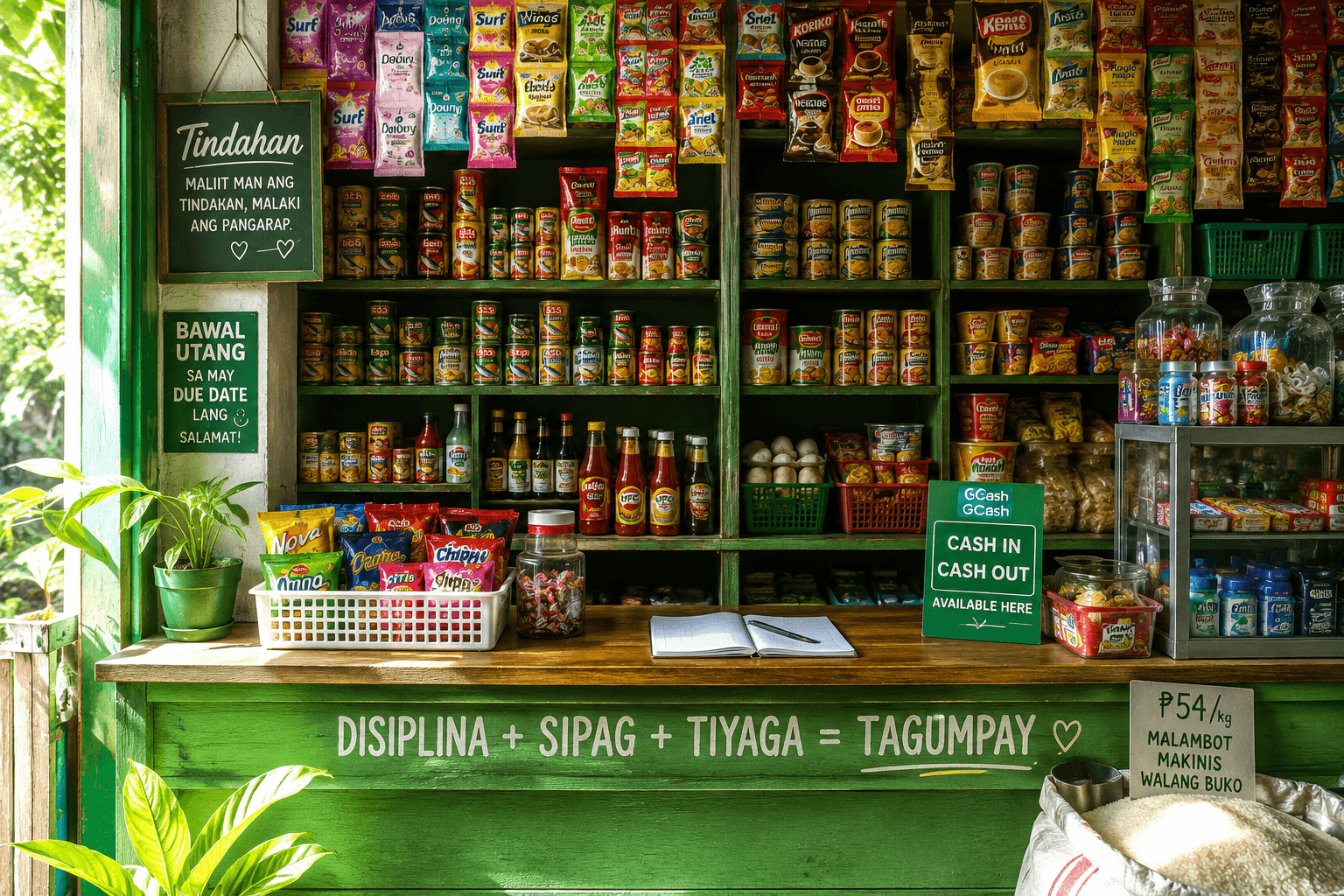
Mobile payments (opens in a new tab) are now part of daily life in the Philippines, and e-wallets like GCash (opens in a new tab) and Maya are used for everything from paying bills to sending allowance. For a sari-sari store, offering cash-in, cash-out and e-load can bring in extra fee income and new foot traffic. But it also changes how your money moves, and that's where many owners lose track.
How cash-in and cash-out move your money
Think of it as two pockets: your cash on hand (the drawer) and your e-wallet balance (your phone). The total of both pockets stays the same with each transaction; only your fee adds to it.
- Cash-in: the customer gives you cash, you send e-money from your wallet to theirs. Cash on hand goes up, wallet goes down.
- Cash-out: the customer sends e-money to your wallet, you give them cash. Wallet goes up, cash on hand goes down.
- Load: the customer pays cash, you send load from your wallet. It moves money like a cash-in.
| Transaction | Cash on hand | Wallet | Total |
|---|---|---|---|
| Start of day | ₱5,000 | ₱5,000 | ₱10,000 |
| Cash-in ₱1,000 + ₱10 fee in cash | ₱6,010 | ₱4,000 | ₱10,010 |
| Cash-out ₱500 + ₱10 fee in cash | ₱5,520 | ₱4,500 | ₱10,020 |
At the end of the day your total should equal what you started with plus your fees. If it doesn't, a transaction was missed or recorded wrong.
Manage your float
Your float is the money you set aside for e-wallet services: some in cash, some in the wallet. If your wallet runs low you can't do cash-ins; if your drawer runs low you can't do cash-outs. Watch both through the day:
- Decide a starting float you can afford to keep separate from your store money.
- Check both balances a few times a day, especially before busy hours like paydays.
- When one side runs low, move money between them, for example by depositing cash into your wallet or withdrawing from it.
- Count both at closing and compare with your records.
Set clear, fair fees
Fees vary by area, so check what other outlets nearby charge. Post a simple fee table near your counter (for example, per ₱500 or per ₱1,000) so customers know before they ask, and apply it to everyone. Decide whether you'll take the fee in cash or through the e-wallet, and record it either way: it's your profit from the service.
Record every transaction
The e-wallet app shows your transaction history, but it doesn't show your cash, your fees or which customer each one was for. Keep your own log with these details for every cash-in, cash-out and load:
| Detail | Why it matters |
|---|---|
| Type (cash-in, cash-out, load) | Tells you which way the money moved |
| Amount | To check your cash and wallet balances |
| Fee and how it was paid | Your profit, in cash or in the wallet |
| Reference number | Proof if a customer disputes it later |
| Customer name or mobile number | To find the transaction quickly |
Is it worth adding e-wallet services?
For many stores, yes, but not only because of the fees. Customers who come for a cash-out often buy something while they're there, and a store known for reliable cash-in and load becomes the place people go first. The costs are your time, the float you keep aside, and the risk of mistakes or scams. Start with a float you're comfortable with, track it carefully for a month, and compare your fees and extra sales with the effort.
Stay safe from common scams
- Never hand over cash for a cash-out until the money is actually in your wallet. Check your own app, not a screenshot or a text message on the customer's phone.
- Double-check the number before sending a cash-in or load. A wrong digit is very hard to recover.
- Write down the reference number of every transaction.
- Be careful with "wrong send" requests asking you to return money. Confirm it in your own transaction history first.
- Never share your PIN or one-time code with anyone, including people claiming to be from the e-wallet company.
For official information on accounts, limits and partner programs, go directly to the GCash website (opens in a new tab) or your e-wallet's official app instead of links sent by strangers.
Summary
E-wallet services can add steady income and bring more people to your counter. Keep a separate float, check both balances often, post fair fees, record every reference number and never release cash before the money arrives. For tracking the rest of your store's money, read our daily sales records routine.
Frequently asked questions
How does cash-in affect my store's cash?
For a cash-in, the customer gives you cash and you send e-money from your wallet, so your cash on hand goes up and your wallet balance goes down by the same amount. Your fee is extra.
What is an e-wallet float?
It's the money you set aside to run e-wallet services, kept partly as cash and partly in your wallet, so you can handle both cash-ins and cash-outs.
How do I avoid cash-out scams?
Only release cash after you confirm the money arrived in your own wallet app, record the reference number, and never rely on screenshots or text messages.