
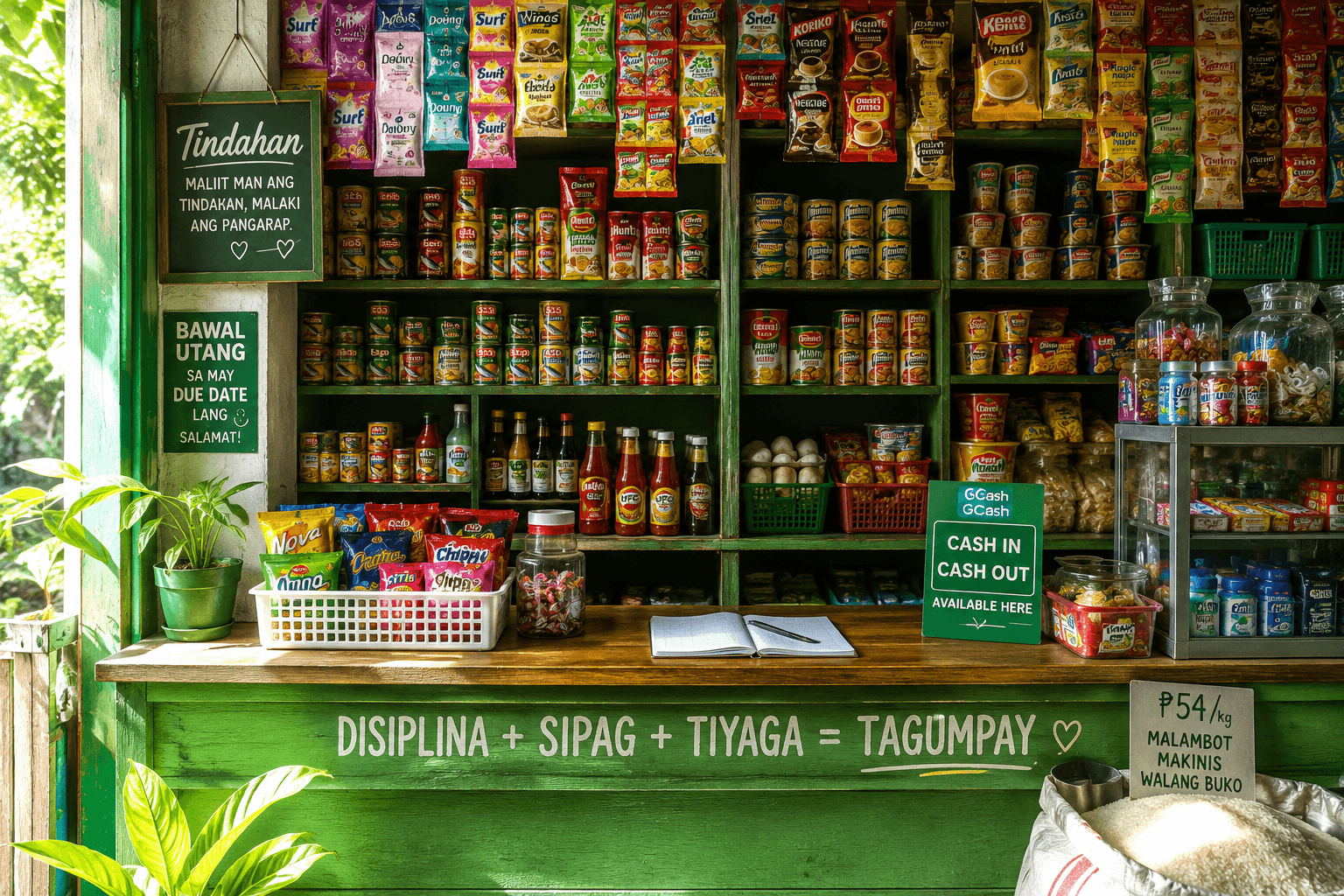
Overview
The MyTindahan API lets your own website, online shop or spreadsheet read your store's products, prices and stock straight from MyTindahan, so you update Inventory once and everything else follows. It's read-only: other apps can look, but can't change your stock or record sales.
Base URL: https://www.mytindahan.store/api/v1
All responses are JSON. Prices are in Philippine pesos.
Authentication
Every request needs an API key. You create keys in Settings → API keys once you own the add-on: give each one a name (like "My website") so you know where it's used. You can have up to 5 keys and revoke any of them at any time.
Send the key in the Authorization header:
Authorization: Bearer mt_live_4f9c2a7e1b8d6f3a0c5e9b2d7a1f4c8eKeep your key secret, like a password.
- We show a key only once, when you create it. We keep just a scrambled copy, so we can't show it again.
- Use it from a server or a script, never in a web page or mobile app where others could find it.
- If a key leaks, revoke it in Settings and create a new one. The old one stops working right away.
Requests & paging
Every endpoint is a GET request. Lists come back in data, a page at a time. When there's more, next_cursor holds a code: send it back as ?cursor= for the next page. On the last page it's null.
const KEY = process.env.MYTINDAHAN_API_KEY;
let cursor = null;
const products = [];

do {
  const url = new URL("https://www.mytindahan.store/api/v1/products");
  url.searchParams.set("limit", "100");
  if (cursor) url.searchParams.set("cursor", cursor);

  const res = await fetch(url, { headers: { Authorization: `Bearer ${KEY}` } });
  if (!res.ok) throw new Error((await res.json()).error.message);

  const page = await res.json();
  products.push(...page.data);
  cursor = page.next_cursor;
} while (cursor);

console.log(`${products.length} products`);
Check your key
Returns the store and key behind the request. Use it to test that your key works before building anything else.
curl https://www.mytindahan.store/api/v1/me \
-H "Authorization: Bearer mt_live_4f9c2a7e1b8d6f3a0c5e9b2d7a1f4c8e"{
"data": {
"store_name": "Aling Nena's Sari-Sari Store",
"plan": "pro",
"key": {
"name": "My website",
"permission": "read",
"created_at": "2026-10-20T09:15:00+08:00"
},
"rate_limit": { "per_minute": 60, "per_day": 10000 }
}
}List products
Your products with their current stock, newest first, a page at a time. Follow next_cursor to get the next page; it's null on the last one.
| Query parameter | Type | Description |
|---|---|---|
| limit | number | Products per page, 1 to 100. Default 50. |
| cursor | string | The next_cursor from the previous page. |
| category_id | string | Only products in this category (see List categories). |
| search | string | Matches the product name, SKU or barcode. |
| status | string | active (default), inactive, or all. |
| updated_since | ISO date | Only products changed after this time. Use it to sync just what changed since your last run. |
curl "https://www.mytindahan.store/api/v1/products?limit=2&search=coke" \
-H "Authorization: Bearer mt_live_4f9c2a7e1b8d6f3a0c5e9b2d7a1f4c8e"{
"data": [
{
"id": "8d1f6c2e-4b7a-4e0f-9a3c-2f5d7b1e6a90",
"name": "Coke 1.5L",
"category": { "id": "c3a9…", "name": "Drinks" },
"unit": "bottle",
"price": 75.00,
"wholesale_price": 70.00,
"stock": 12,
"low_stock_at": 5,
"stock_status": "in_stock",
"sku": "NEW-8F3K2Q",
"barcode": "4801981116072",
"bulk_unit": { "label": "Case", "quantity": 12 },
"photo_url": "https://…/product-gallery/…webp?token=…",
"is_active": true,
"created_at": "2026-09-02T08:00:00+08:00",
"updated_at": "2026-10-19T17:42:11+08:00"
},
{
"id": "1b7e…",
"name": "Coke Mismo 290ml",
"category": { "id": "c3a9…", "name": "Drinks" },
"unit": "bottle",
"price": 20.00,
"wholesale_price": null,
"stock": 3,
"low_stock_at": 6,
"stock_status": "low_stock",
"sku": "NEW-2J8D1M",
"barcode": "4801981118007",
"bulk_unit": null,
"photo_url": null,
"is_active": true,
"created_at": "2026-09-02T08:05:00+08:00",
"updated_at": "2026-10-20T07:10:54+08:00"
}
],
"next_cursor": "eyJjIjoiMjAyNi0wOS0wMlQwMDowNTowMFoiLCJpZCI6IjFiN2UifQ"
}Get one product
A single product with its stock batches: how many are left from each delivery and when they expire.
curl https://www.mytindahan.store/api/v1/products/8d1f6c2e-4b7a-4e0f-9a3c-2f5d7b1e6a90 \
-H "Authorization: Bearer mt_live_4f9c2a7e1b8d6f3a0c5e9b2d7a1f4c8e"{
"data": {
"id": "8d1f6c2e-4b7a-4e0f-9a3c-2f5d7b1e6a90",
"name": "Coke 1.5L",
"category": { "id": "c3a9…", "name": "Drinks" },
"unit": "bottle",
"price": 75.00,
"wholesale_price": 70.00,
"stock": 12,
"low_stock_at": 5,
"stock_status": "in_stock",
"batches": [
{ "received_at": "2026-10-01", "quantity_left": 4, "expires_on": "2027-01-15" },
{ "received_at": "2026-10-18", "quantity_left": 8, "expires_on": "2027-03-02" }
],
"photo_url": "https://…/product-gallery/…webp?token=…",
"is_active": true,
"updated_at": "2026-10-19T17:42:11+08:00"
}
}List categories
Your product categories, A to Z, with how many active products each one has.
curl https://www.mytindahan.store/api/v1/categories \
-H "Authorization: Bearer mt_live_4f9c2a7e1b8d6f3a0c5e9b2d7a1f4c8e"{
"data": [
{ "id": "a71f…", "name": "Canned Goods", "product_count": 18 },
{ "id": "c3a9…", "name": "Drinks", "product_count": 42 },
{ "id": "e0b2…", "name": "Snacks", "product_count": 65 }
]
}Low and out-of-stock products
Active products at or below their low-stock reminder, most urgent first. Handy for a restock list or an alert in your own app.
| Query parameter | Type | Description |
|---|---|---|
| include_out | boolean | Also list products with zero stock. Default true. |
curl "https://www.mytindahan.store/api/v1/stock/low" \
-H "Authorization: Bearer mt_live_4f9c2a7e1b8d6f3a0c5e9b2d7a1f4c8e"{
"data": [
{ "id": "5c2d…", "name": "Lucky Me Pancit Canton", "stock": 0, "low_stock_at": 10, "stock_status": "out_of_stock" },
{ "id": "1b7e…", "name": "Coke Mismo 290ml", "stock": 3, "low_stock_at": 6, "stock_status": "low_stock" }
]
}Product fields
What each field in a product means. Cost prices, profit, sales, customers and utang are never shared through the API.
| Field | Type | Description |
|---|---|---|
| id | string | The product's permanent ID. |
| name | string | Product name. |
| category | object | null | { id, name }, or null when uncategorized. |
| unit | string | pc, pack, kg, sachet, bottle, can, box, yard, set or m. |
| price | number | Selling price in pesos. |
| wholesale_price | number | null | Wholesale price, if you set one. |
| stock | number | Quantity left, in the base unit. |
| low_stock_at | number | Your low-stock reminder level. |
| stock_status | string | in_stock, low_stock or out_of_stock. |
| sku / barcode | string | null | As saved in Inventory. |
| bulk_unit | object | null | { label, quantity } if the product also sells in bulk (e.g. a case of 12). |
| photo_url | string | null | The product's photo. The link works for 10 minutes; download or show it right away. |
| is_active | boolean | False when the product is deactivated in Inventory. |
| created_at / updated_at | ISO date | Philippine time (+08:00). |
Rate limits
Each key can make 60 requests a minute and 10,000 a day. Every response tells you where you stand:
X-RateLimit-Limit: 60
X-RateLimit-Remaining: 57
Retry-After: 42        (only on a 429)
Tip: syncing every 5 to 15 minutes with updated_since keeps your app current and stays far below the limits.
Errors
Errors use normal HTTP status codes and always look like this:
{
  "error": {
    "code": "invalid_key",
    "message": "This API key is not valid or was revoked."
  }
}| Status | Code | Meaning |
|---|---|---|
| 400 | invalid_request | A parameter is missing or not valid. The message says which. |
| 401 | invalid_key | No key, a mistyped key, or a key that was revoked. |
| 403 | plan_required | The store's Pro plan has ended. The key works again after renewal. |
| 404 | not_found | No product with that ID in your store. |
| 429 | rate_limited | Too many requests. Wait the number of seconds in the Retry-After header. |
| 500 | server_error | Something went wrong on our side. Try again in a moment. |
Good to know
- Read-only. The API can't add products, change stock or record sales. Those stay in your dashboard.
- Your store only. A key only ever sees the store that created it.
- Pro plan. Keys stop working while your Pro plan is inactive and start again when you renew. Nothing is deleted.
- Server-side. Browsers can't call the API directly (that would expose your key). Call it from your server, a script, or a tool like Google Apps Script.
- Versioned. Everything here is v1. If we ever need to change something in a way that could break your app, it will come as /api/v2, and v1 keeps working.